Split View places the tab you're on next to any other open tab as two real Chrome windows that fill your screen. No iframes, no alt-tab. Two clicks, or one shortcut.
No setup. Install, click, split.
Click the toolbar icon or press Ctrl+Shift+L.
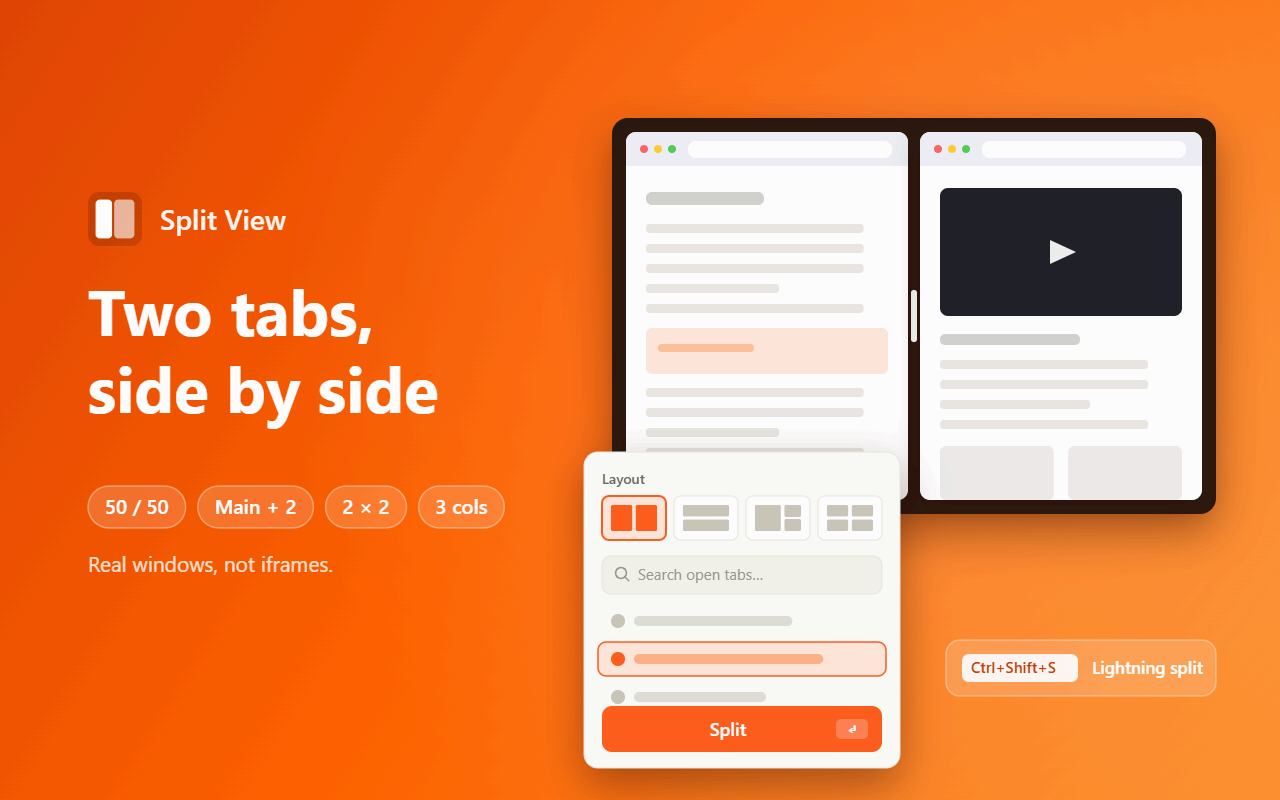
Choose 50/50, main + 2, 2×2 or any ratio. Type to find the tab you want next to this one.
The windows snap into place on your current monitor. Ctrl+Shift+Z puts everything back.
Real windows, so every page works at full fidelity. Plus the parts you'd expect from a proper window manager.
Ctrl+Shift+S puts the current tab on the left and the previous one on the right, 50/50. No popup.
Main + 2, top strip, 2×2, three columns. Close one pane and the rest re-tile to fill the gap.
Name an arrangement once and bring it back with one click, including which monitor it lives on.
Windows fit the work area of the monitor you're on, taskbar excluded. Or send the split to another screen.
Ctrl+Shift+Z restores the previous arrangement: window bounds, tab placement, active tab.
Pinned tabs stay pinned, groups stay grouped when tabs move between windows. You're asked before anything disruptive.
Split View moves windows. It doesn't read the pages in them, and it has no server to talk to.
Split View is an independent Chrome Web Store extension; it is not the built-in Split View feature Chrome added in 2025. Chrome's split is two panes on one monitor, no saved layouts, no undo, and it can drop pinned tabs out of their groups. Split View does 3 and 4 panes, remembers layouts, works across monitors and restores everything with one shortcut.
No. Each pane is a real Chrome window, so Gmail, banking sites and anything with strict security headers work exactly as they do in a normal tab.
Yes. The split lands on the monitor your current window is on and fits its work area, taskbar excluded. You can also pick a different monitor from the popup before splitting.
Pinned tabs stay pinned and grouped tabs stay in their group when they move between windows. If an action would be disruptive, Split View asks first, and undo is always one shortcut away.
Press Ctrl+Shift+E or click Exit split. Every pane's tabs merge back into one window that fills the screen.
To list your open tabs in the picker and to move them between windows. Tab titles and URLs are read on demand and never stored or sent anywhere. Every permission is explained in the privacy policy.
Chrome 114 or newer on Windows, macOS, Linux and ChromeOS.
Found a bug or missing a layout? Say so. Replies usually within a day or two.
Reviews on the Chrome Web Store help other people find Split View.
Rate on the Web Store → Split View